Play music
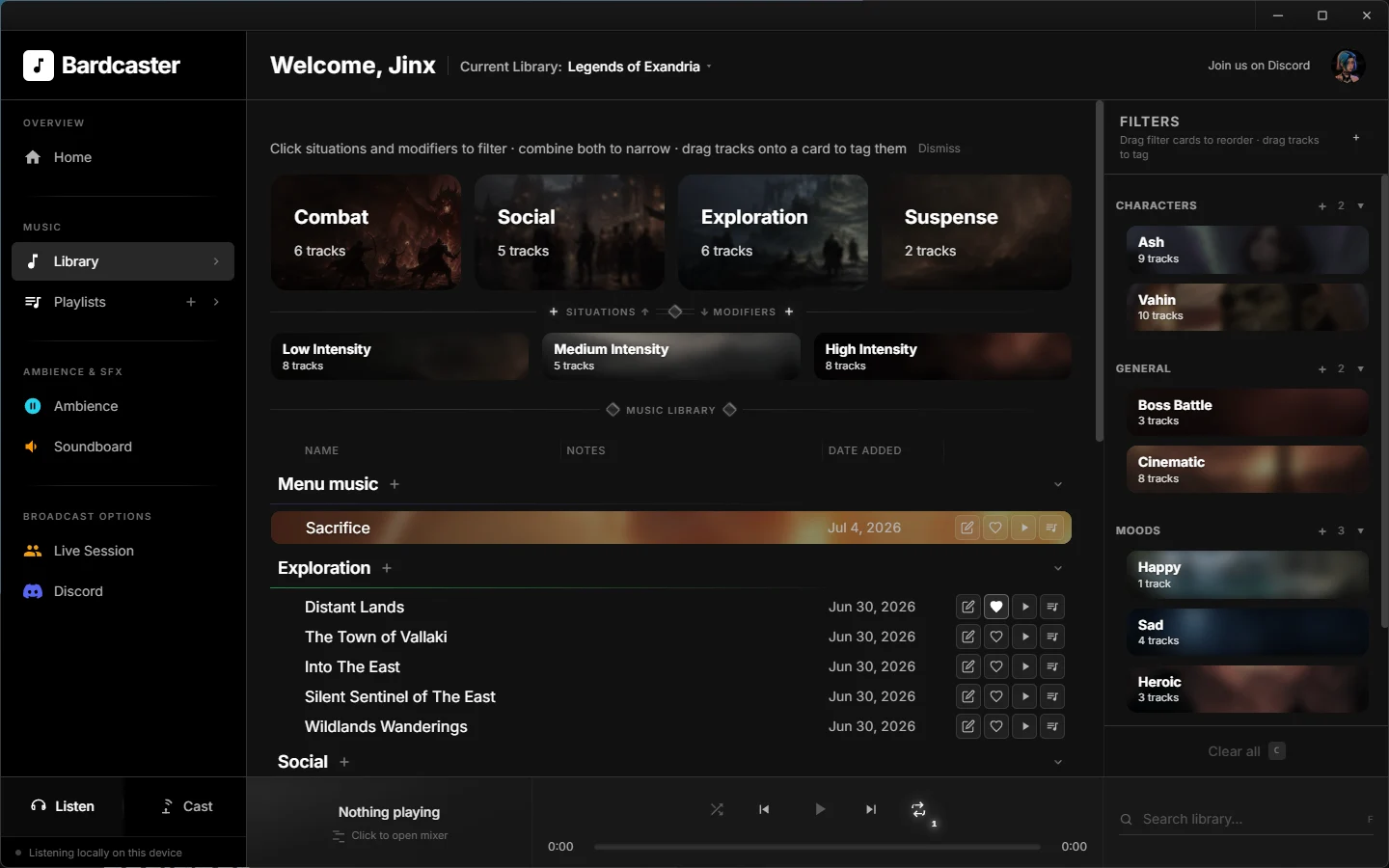
Build your own music library with an intuitive manager, then quickly find the right track by scene — combat, exploration, social, and more — intensity level, and/or custom filter tags.

The all-in-one tool for tabletop audio management — music, layered ambience, soundboard cues, and Discord broadcast from one library.
Build your own music library with an intuitive manager, then quickly find the right track by scene — combat, exploration, social, and more — intensity level, and/or custom filter tags.
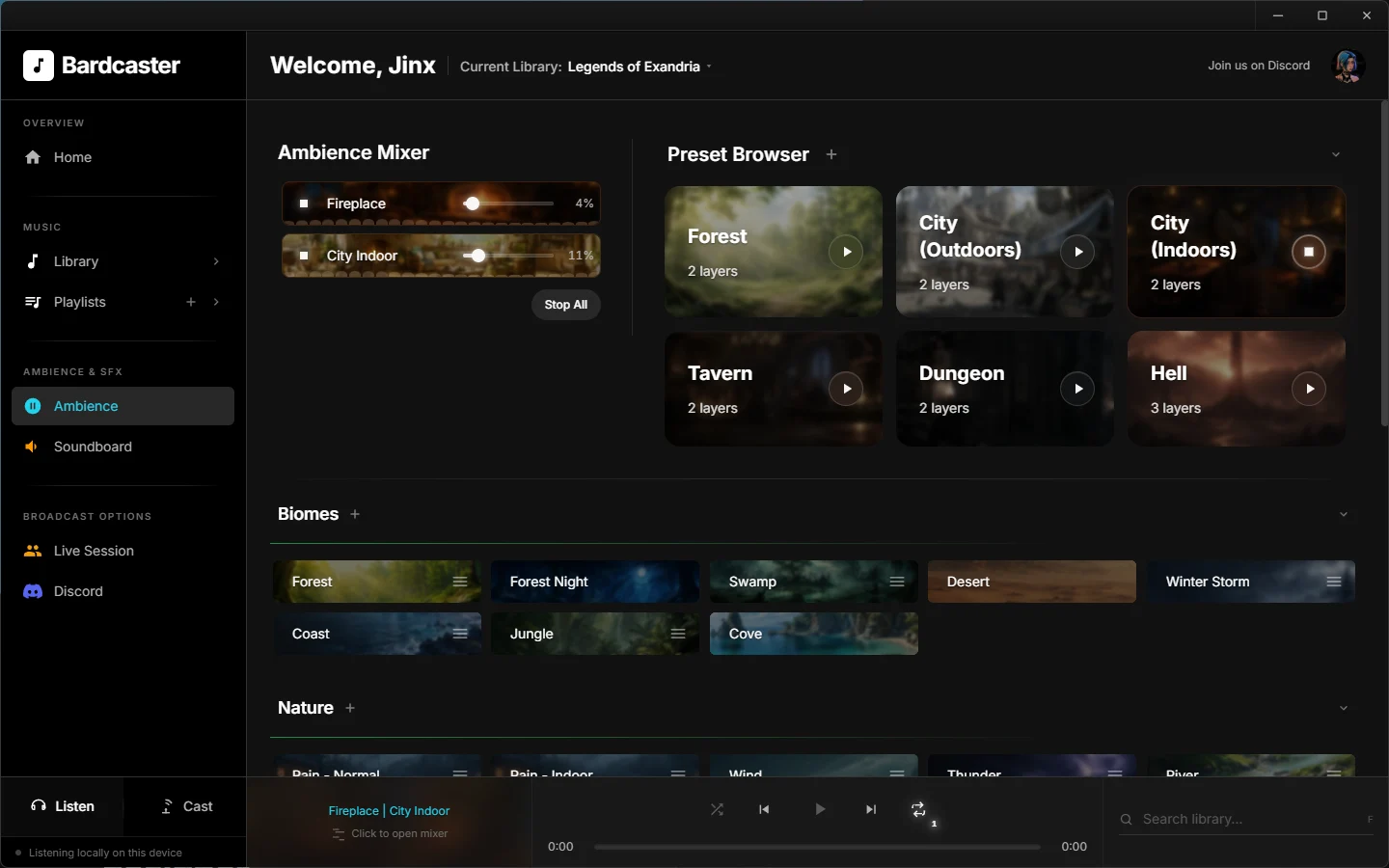
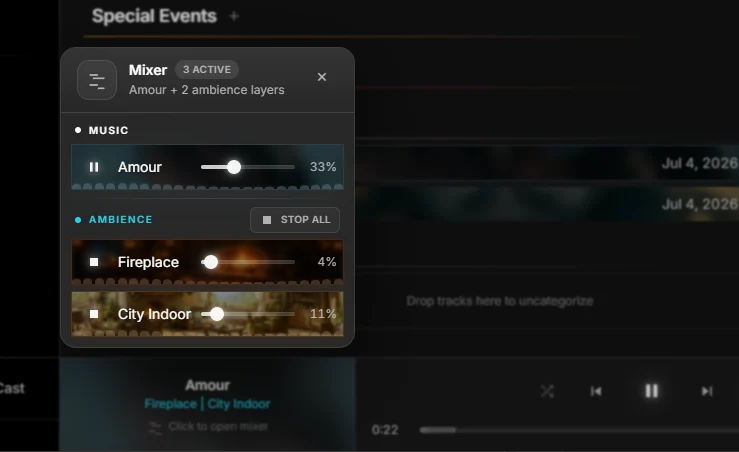
Stack rain, fire, crowds, and wind. Save presets and crossfade layers without breaking immersion at the table.
Cast to Discord voice channels or sync a Live Session so co-GMs and players hear the same scene — locally or online.
Collect the tracks you use at the table and group them into playlists and mood boards — so when the mood shifts, the right music is already one click away.
Blend loops like rain, fire, wind, and crowd noise at the levels that fit the scene. Save your favorite combinations as presets and bring them back whenever the party returns to familiar ground.
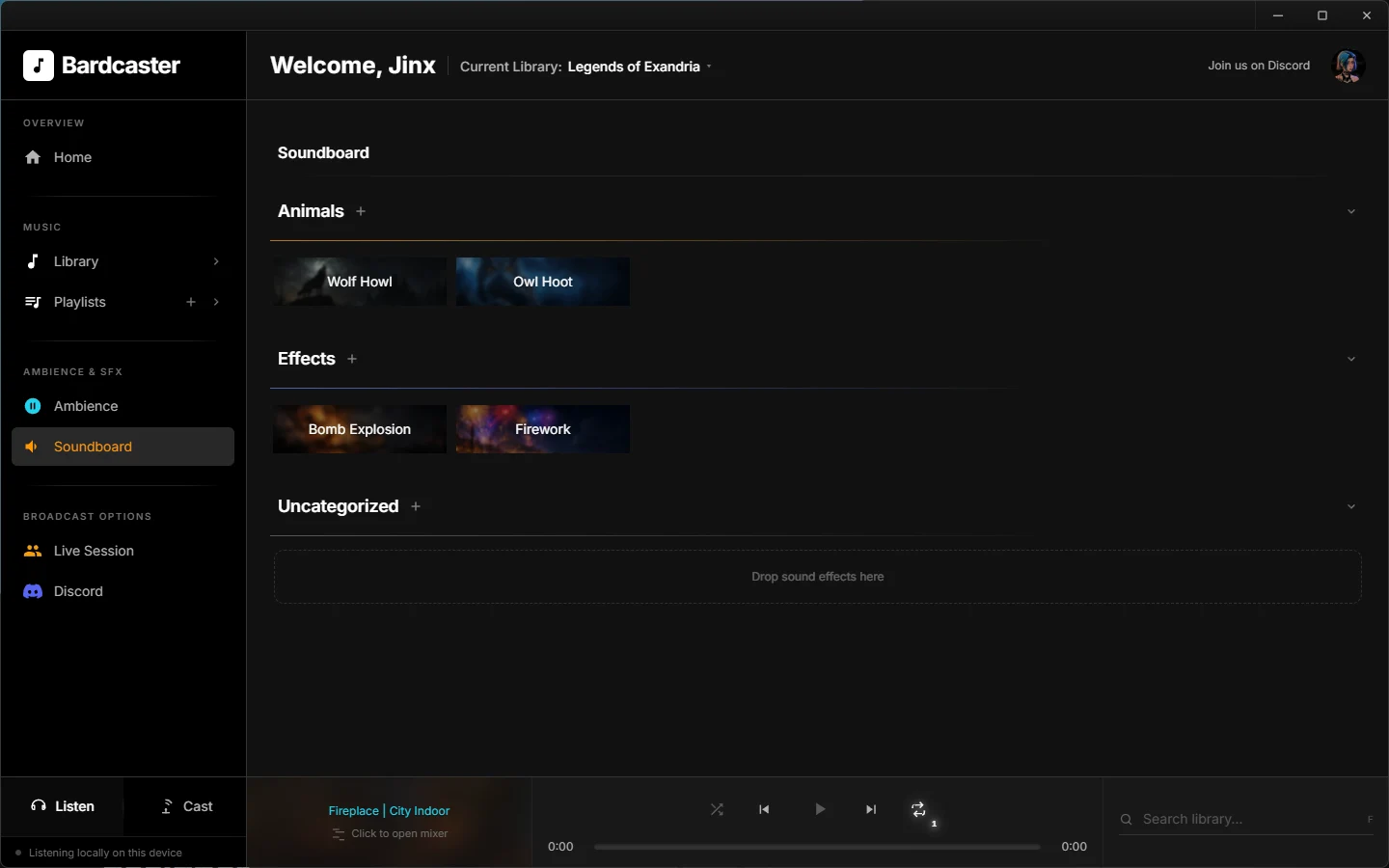
Trigger doors, roars, spells, and dramatic hits the moment you need them — on a soundboard you lay out yourself with custom artwork and colors.
Balance music and ambience while you run the session — raise a bed track, duck the rain, or fade everything for a big reveal without leaving the table.
A quick walkthrough — autoplay is muted; turn sound on when you are ready.
Add a YouTube video ID in js/config.js to embed your trailer here.
Start free at the table. Upgrade when you need deeper mixing and cloud cast.
| Feature | Free | Premium |
|---|---|---|
| Price | $0 / month | $10 USD / month |
| Music library & playlists | ✓ | ✓ |
| Upload your own audio | — | ✓ |
| Ambience layers at once | Up to 2 | Up to 8 |
| Soundboard & Live Session | ✓ | ✓ |
| Discord Cast (desktop app) | ✓ | ✓ |
| Discord Cast from the web | — | ✓ |
| Connected Discord servers | 1 | Multiple |
| Custom situations & modifiers | Starter set | Unlimited |
| Library backup (export / import) | — | ✓ |
Quick answers before your first session.
Yes — with a Premium subscription. Hosting your own files uses secure storage and bandwidth every time you (or your players) play a track, so uploads are included with Premium rather than the free plan. Free accounts can still build a full library using links to audio hosted elsewhere.
No. Discord is one way to broadcast, not a requirement. You can run everything locally at the table, or share a Live Session so others follow the same scene in their browser. Join our Discord community and tell us which platforms you would like to see next.
Yes — using the Bardcaster desktop app. Free accounts can Cast a full mix (music, ambience, and soundboard together) to Discord from there. Broadcasting from the web app is a Premium feature because that mix has to be built in the cloud: combining several audio layers in real time takes serious processing power, and Bardcaster is built to stream that multi-layer mix to Discord as one clean feed — something a simple music player cannot do. The desktop app does that heavy lifting on your PC; the browser relies on our servers, which is why it is included with Premium.
Yes. Open Account in the app and use Manage billing to cancel whenever you like. Stripe handles your subscription and invoices; you keep Premium access through the end of your current billing period.